Beta
Colissimo for France, labels in bulk
returns included
You already have a Colissimo account. You're still logging into their portal for every shipment, copy-pasting addresses, downloading labels one by one. ParcelRush connects Colissimo directly to your store and handles the rest.
Works with your existing Colissimo account 5 min setup No subscription
Works with


Supported servicesColissimo FranceColissimo EuropeColissimo InternationalColissimo Retour
What changes
Your Colissimo account is already set up
Here's what you're not using yet
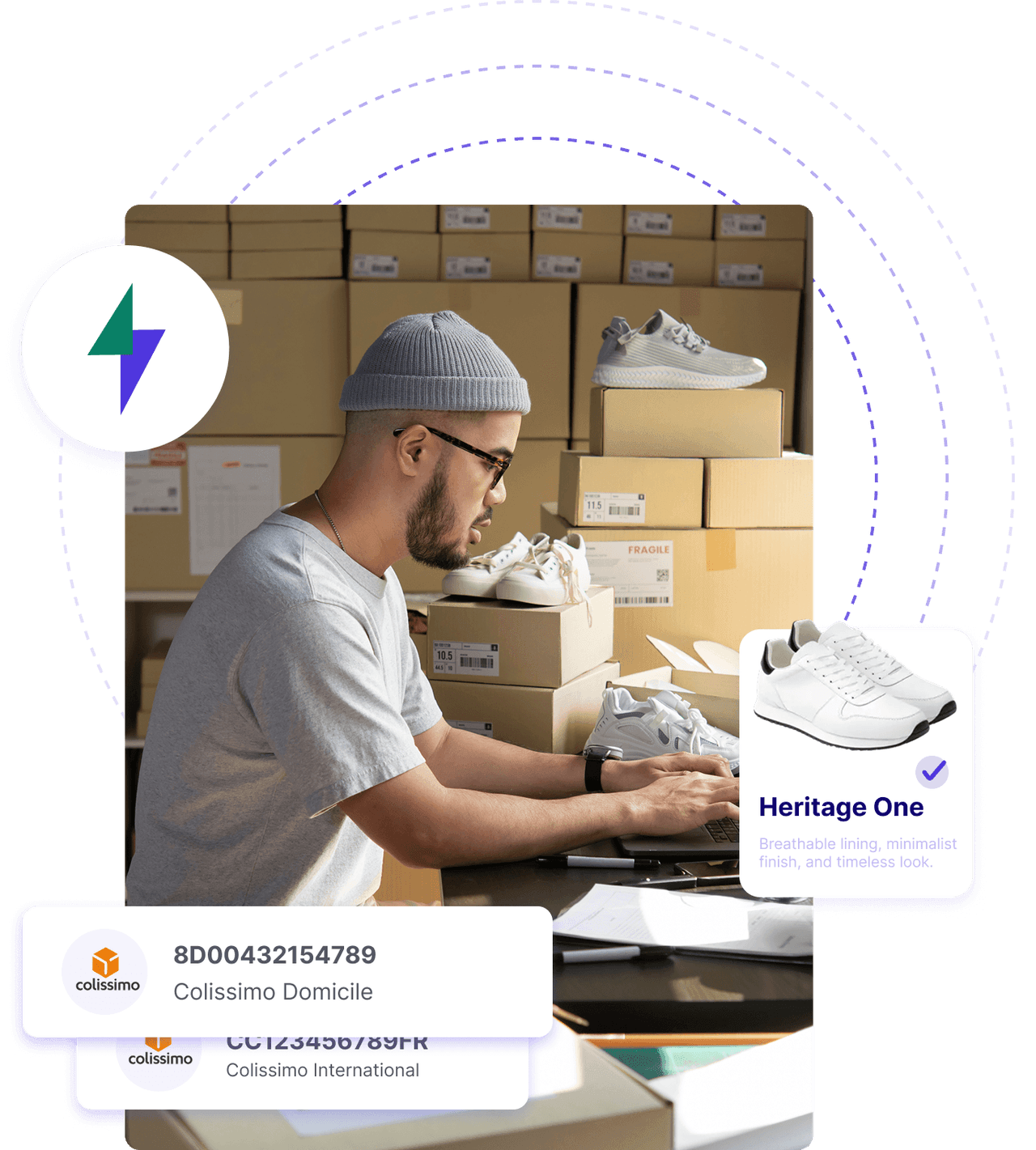
The portal works. The problem is everything around it: switching tabs, copying addresses, downloading labels one at a time, then pasting tracking numbers back into your store. Connect Colissimo to ParcelRush and that loop disappears.
- Rate comparison across all your carriers, live on every order
- Labels generated in bulk, not one at a time
- Tracking numbers pushed to your store automatically
- Return labels generated in one click from the dashboard
CarrierServiceDeliveryRate
 Colissimo Domicile3–5 days€6.10 Generate labelLabel
 DHL ExpressNext day€8.60 Generate labelLabel
 UPS ExpressNext day€9.20 Generate labelLabel
 FedEx ExpressNext day€9.80 Generate labelLabel
 DPD Express1–2 days€6.50 Generate labelLabel
 CTT Expresso2–3 days€4.90 Generate labelLabel
Setup
Connected in under 5 minutes
01
Connect your Colissimo account
Enter your Colissimo credentials in Settings. Works with any existing Colissimo business account. No renegotiation needed.

02
Connect your store
Link your Shopify, WooCommerce, or Squarespace store. Orders import automatically and are ready to ship.

03
Generate labels in bulk
Select orders, pick Colissimo (or let automation rules decide), and generate all labels in one click. Tracking activates instantly.

Technical specs
What's included
in the Colissimo integration
Live Rates
Bulk Labels
Track & Trace
Auto Tracking Push
Return Labels
Schedule Pickup
Proof of Delivery
Multi-parcel
CN22 / CN23
Commercial Invoice
Not supported: Paperless Trade · Insurance · EORI Data
FAQ
Questions about
the Colissimo integration
How do I connect my Colissimo account to ParcelRush?
Go to Settings, then Carriers, and select Colissimo. Enter your Colissimo business account credentials. The connection takes under 5 minutes.
Can I compare Colissimo rates with other carriers?
Yes. ParcelRush shows live Colissimo rates alongside every other carrier you've connected (DHL, UPS, DPD, etc.) on every order. For domestic French deliveries, Colissimo is often highly competitive.
Which Colissimo services does ParcelRush support?
Colissimo France, Colissimo Europe, Colissimo International, and Colissimo Retour (return labels). Availability depends on your Colissimo contract.
Can I generate Colissimo return labels?
Yes. Colissimo Retour labels can be generated from the dashboard and sent to customers by email or included in the original shipment.
Can I generate Colissimo labels in bulk?
Yes. Select any number of orders and generate all Colissimo labels in one action. Labels are available in PDF and ZPL formats.
How does Colissimo tracking work in ParcelRush?
Tracking numbers are automatically sent to your connected store the moment a label is generated. No copy-pasting, no manual updates. Customers receive tracking information without any action on your part.

Connect Colissimo
First label in 10 minutes
Connect your Colissimo account in under 10 minutes. No subscription, no credit card required. Pay only for the labels you generate.
No subscriptionPay per labelCancel anytime